
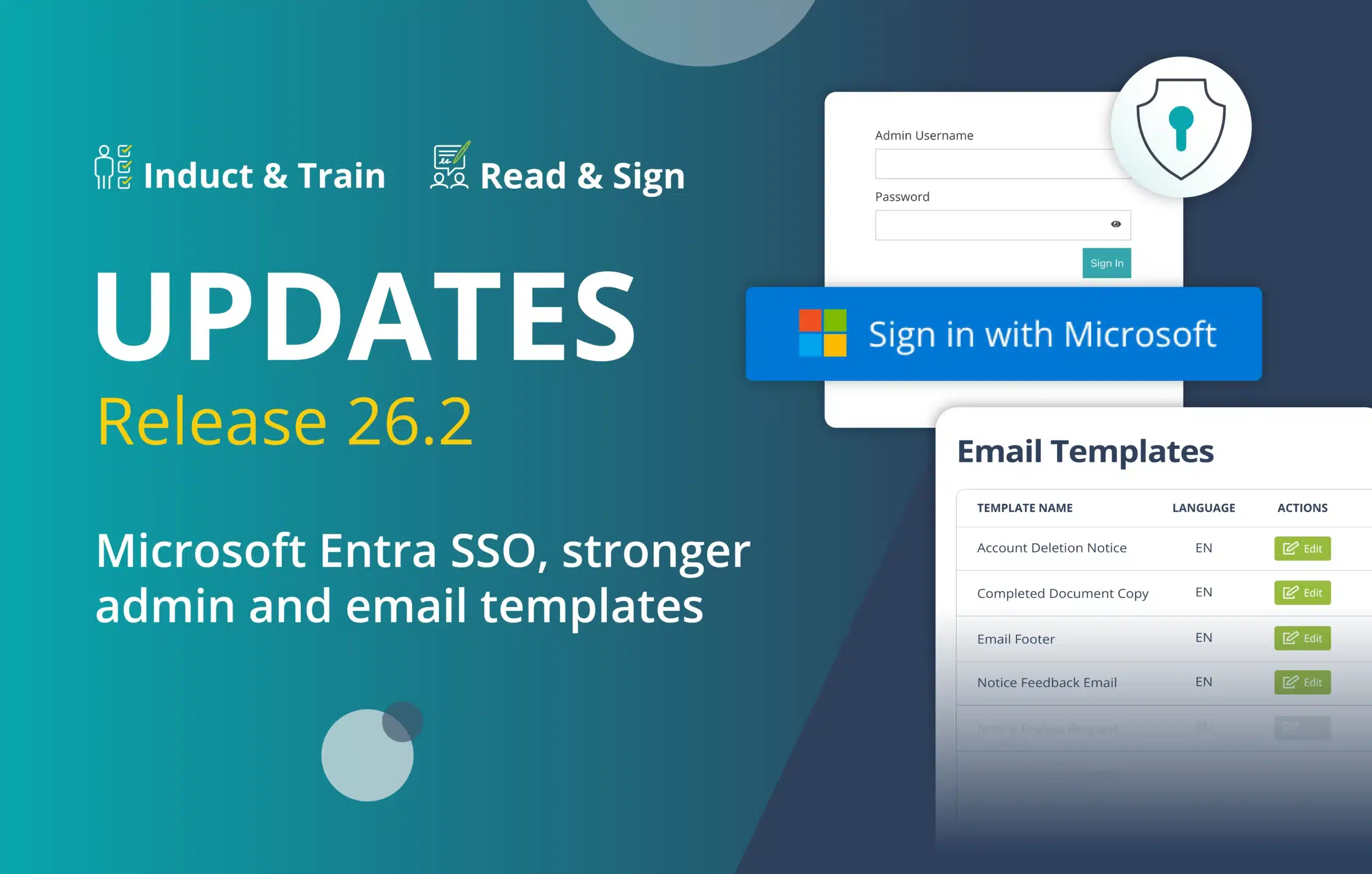
Release 26.2: New Features for Induct & Train and Read & Sign
The latest release introduces exciting updates for both Induct & Train and Read & Sign. Here’s everything you need to know.
Contact one of our specialists to discover how these new features can support your team.
Induct & Train:
- Microsoft Entra Single Sign-On (SSO)
- Assign multiple induction profiles
- Custom alert scheduling
- Stronger admin override controls
Read & Sign:
Summary of Release 26.2
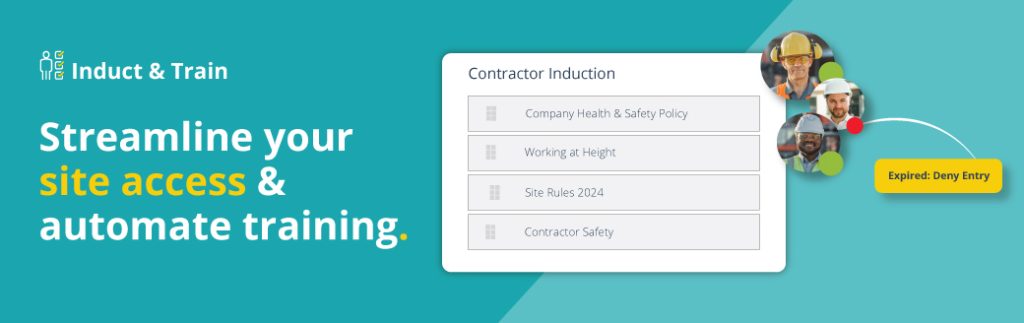
For Induct & Train, teams can now access the system with Microsoft Entra single sign-on (SSO), assign multiple induction profiles during user creation and tailor alerts to operational hours.
Alongside these updates, enhanced admin override permissions provide greater control over induction competency management and governance.
For Read & Sign, users can now customise system-generated email templates through a new editable template library. This helps teams create more personalised and consistent communications across the workforce.
Induct & Train Updates
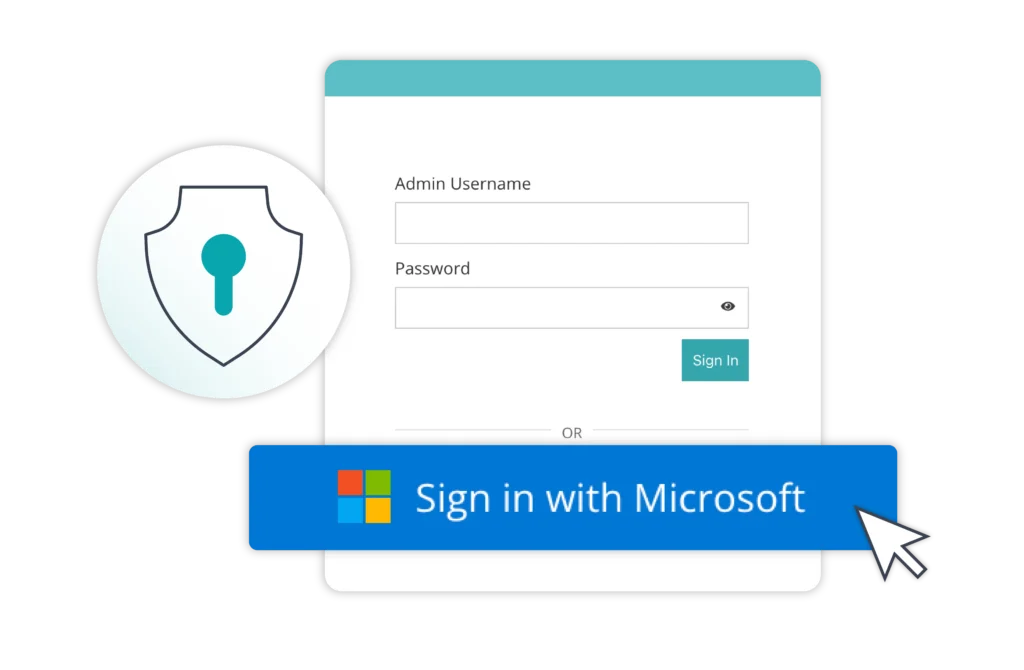
Microsoft Entra Single Sign-On for admins and end Users
All users can now log into Induct & Train using Microsoft Entra single sign-on (SSO), allowing them to access the platform securely in one click.
This removes the need for separate usernames and passwords while aligning with your organisation’s existing security policies, including multi-factor authentication (MFA).
How it helps your team:
- Reduce password reset requests and login issues
- Make access faster and easier for employees and contractors
- Support existing organisational security standards
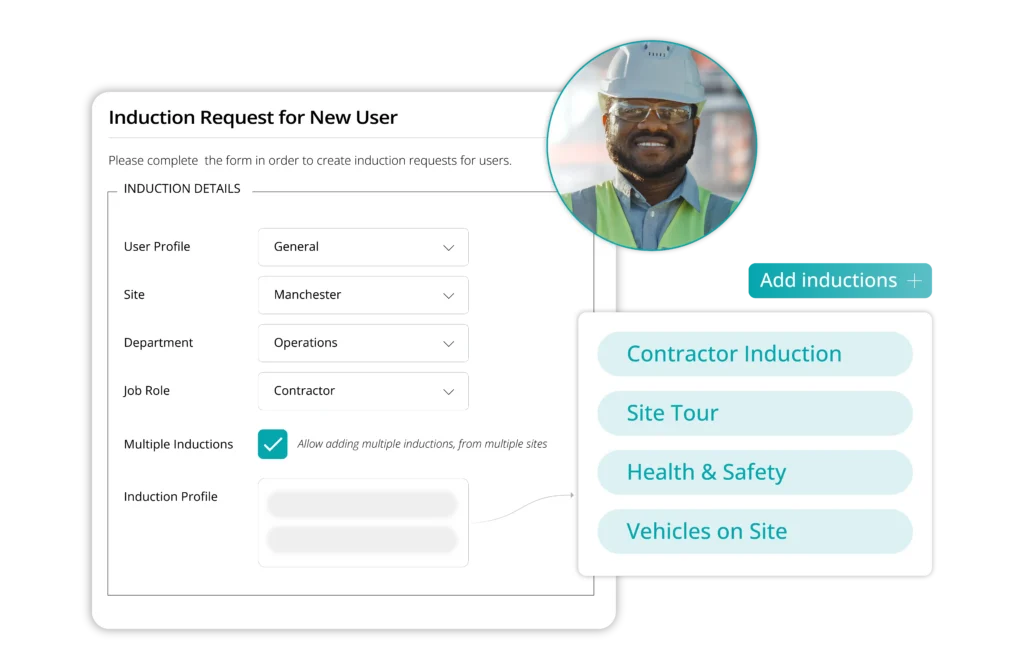
Assign multiple induction profiles
Admins can now assign multiple induction profiles when creating a new user account.
For organisations with employees or contractors working across different sites, departments or job roles, this is especially useful where multiple inductions may be required immediately.
How it helps your team:
- Automatically assign multiple inductions based on job role or location
- Reduce repetitive admin tasks
- Remove the need to edit users after creation
- Help ensure no required inductions are missed or delayed
- Improve compliance confidence for multi-role workforces
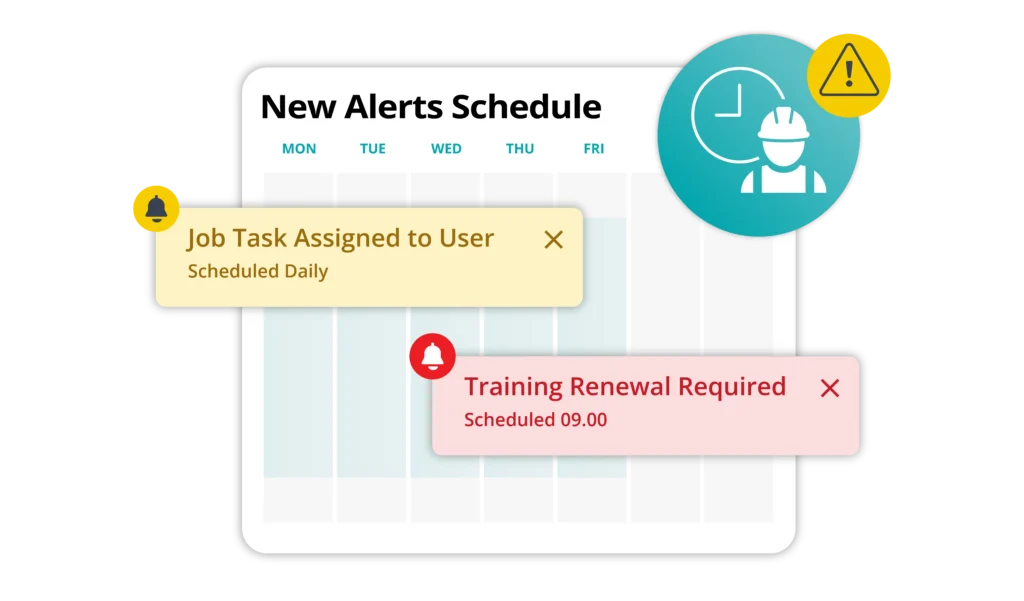
Custom alert scheduling
With custom scheduling, organisations can now define exactly when alerts and notifications are sent throughout the day.
This gives teams greater control over how and when users receive important reminders, helping notifications align more closely with operational hours and working practices.
How it helps your team:
- Increase visibility of important information
- Promote engagement and response rates
- Reduce the chance of notifications being overlooked
- Tailor communication around operational needs
Stronger admin override controls
Admin override permissions have been enhanced to provide clearer separation between supervisor and administrator access levels.
The induction status override function can now sit exclusively at master admin level, meaning only authorised administrators can manually override induction competency statuses.
How it helps your team:
- Prevent users from being marked as competent without required training
- Strengthen governance and audit confidence
- Support organisations operating in regulated or safety-critical environments
Read & Sign Update
Editable email template library
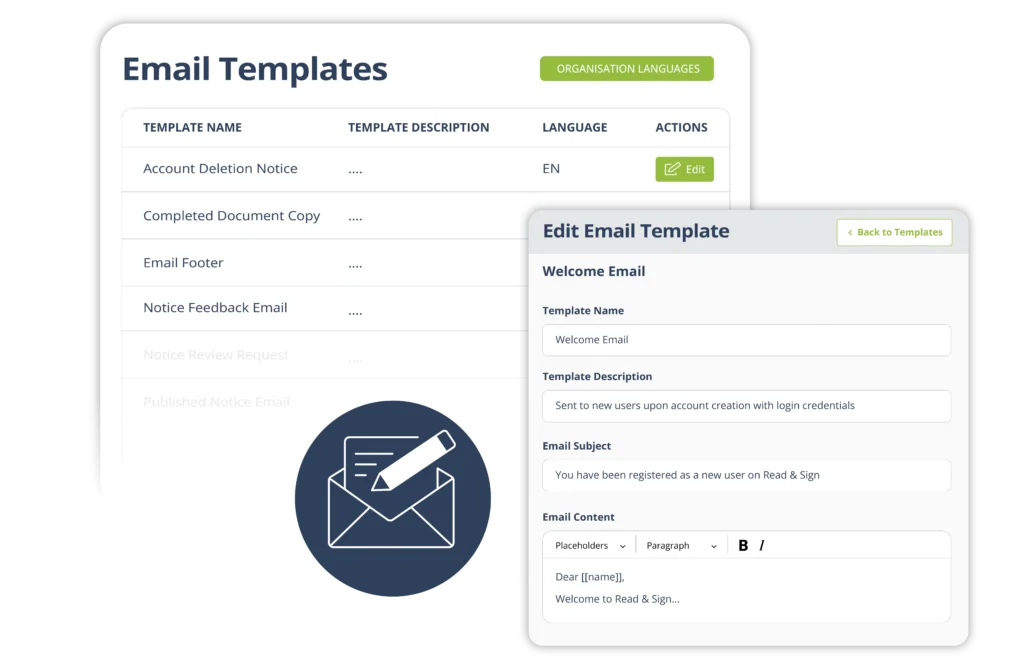
Users can now edit system-generated email templates used across Read & Sign, giving teams more control over how important compliance messages are communicated.
Templates are available for a range of automated messages, including welcome emails, acknowledgement requests and admin-led reporting notifications.
How it helps your team:
- Customise automated emails to better reflect your organisation
- Create clearer communication for users and administrators
- Improve consistency across messaging
- Support multilingual communication requirements
For organisations needing multilingual support, templates are currently available in English and French, with additional languages planned for future releases.
Looking to improve communication across your workforce? Talk to our specialists today.
Want to see for yourself?
If you would like to learn more about how features in Release 26.2 can support your organisation, please get in touch with our team.


