
Profile Rules | Induct & Train Software

Profile Rules

Induct & Train Profile Rules for setting information requirements for employees, contractors and visitors

Key features

Collect the details you need with profile fields tailored to your organisation
Set requirements by user type for employees, contractors and visitors
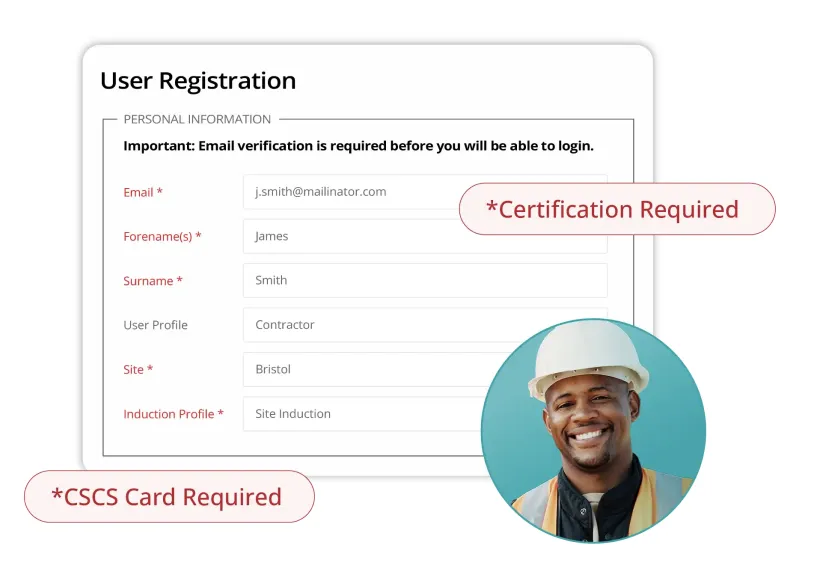
Make certain information mandatory so important details are captured during registration
Induct & Train - Profile Rules - Spend less time chasing missing information

Spend less time chasing missing information

Important details can be overlooked when information is collected manually. Set clear requirements so people provide what you need from the start.
  • Choose which information users need to provide before they can register
  • Create custom profile fields to collect only what matters to your company
  • Collect information such as emergency contacts, employee
numbers, vehicle details and licence information
Induct & Train - Profile Rules - Spend less time chasing missing information
Induct & Train - Profile Rules Module - Streamline your onboarding process

Streamline your onboarding process

Collecting the right information first time means less admin for your team and more time on the job.

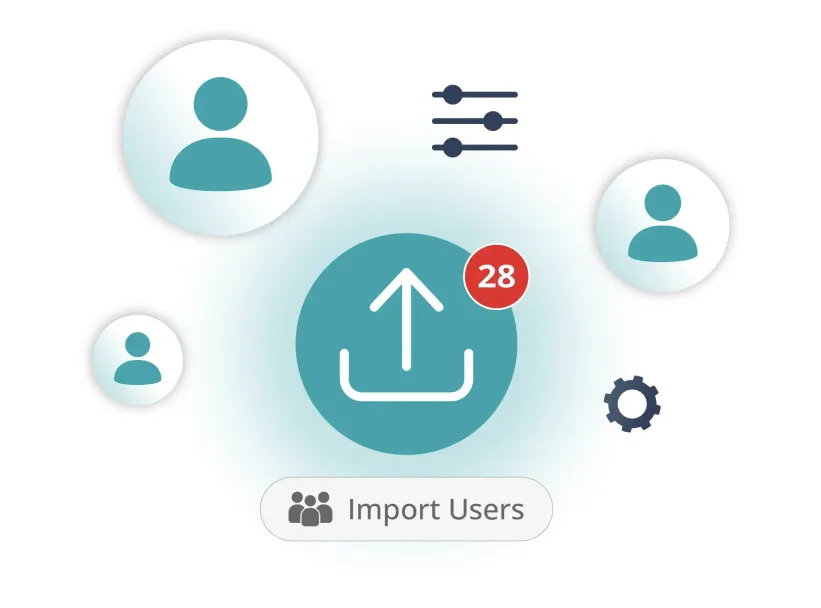
  • Remove the need for manual data entry and follow-up
  • Set different requirements for employees, contractors
and visitors
  • Change your profile rules as processes or compliance
needs develop
Induct & Train - Profile Rules Module - Ensure user information is accurate for reporting

Ensure user information is accurate for reporting

When information is collected differently from one person to the next, it can be difficult to know whether your records are complete.
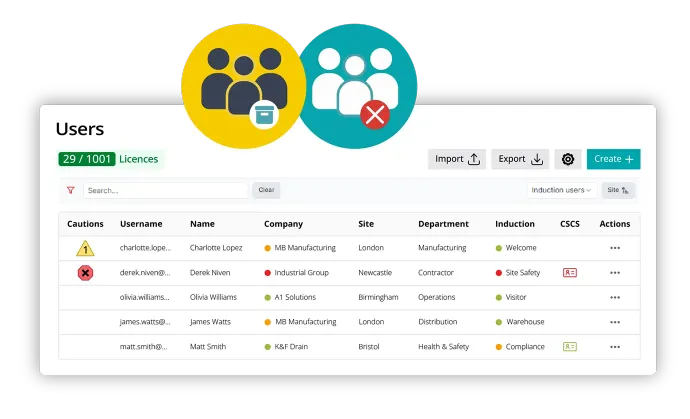
  • Collect consistent information from each user type
  • Support compliance by ensuring mandatory information is
always collected
  • Easily check and report on user information for audits
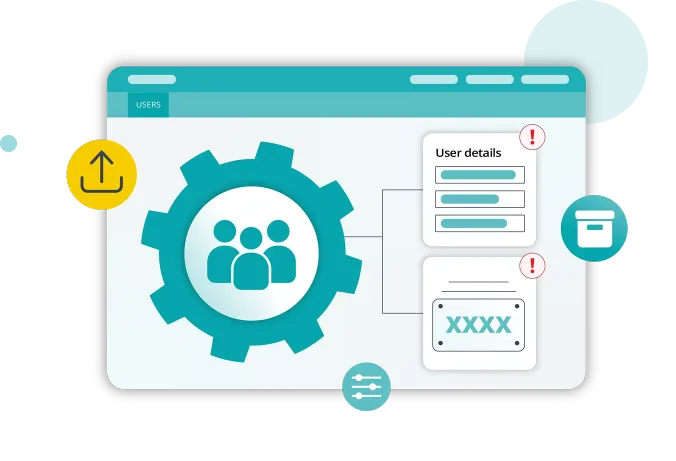
  • Automatically archive or delete user records after a set period
Induct & Train - Profile Rules Module - Ensure user information is accurate for reporting

Expand your system

Add more tools to Induct & Train to manage workforce safety, compliance and communication from one system.

See Induct & Train in action

Bring structure, consistency and control to your workforce compliance.

Let's get started...

Whether you are simply looking around or doing some serious research, getting in touch is the first step to find out more about our innovative software solutions.

Get in touch Contact us View Brochure View the Keyzo Brochure Request a Demo Get a demo of Induct & Train or Read & Sign

Improve your Staff Inductions & Compliance

Fill out the form below and one of our specialists will get back to you shortly…

    Frequently asked questions

    How can I make sure employees, contractors and visitors provide the right information?

    Profile Rules lets you decide what information each user type needs to provide during registration, helping you collect important details from the start.

    What information can I collect?

    You can choose the information that matters to your organisation, such as licence details, vehicle information, emergency contacts or employee numbers.

    How can I collect different information from different people?

    You can set bespoke profile requirements for each user type, so people only need to provide the information relevant to them.

    How can I reduce the time spent chasing missing information?

    Set the information you need upfront and make key fields mandatory. This reduces the need for manual follow-up and helps you capture the right details first time.

    Can I change the information requirements?

    Yes. You can update your profile requirements as your processes or compliance needs change.

    Let's get started...

    Whether you are simply looking around or doing some serious research, getting in touch is the first step to find out more about our innovative software solutions.