
Induction Builder | Induct & Train Software

Induction Builder

Induct & Train - Induction Builder

Key features

Create structured digital inductions tailored to different workforce and site requirements
Reduce admin with automatic induction assignment and renewal periods
Check understanding with quizzes, pass criteria and automated retakes
Induct & Train Induction Builder for creating and managing online inductions

Build inductions around your requirements

Keeping content consistent across different sites and people can be difficult. Create structured online inductions relevant to different roles, sites and workforce requirements
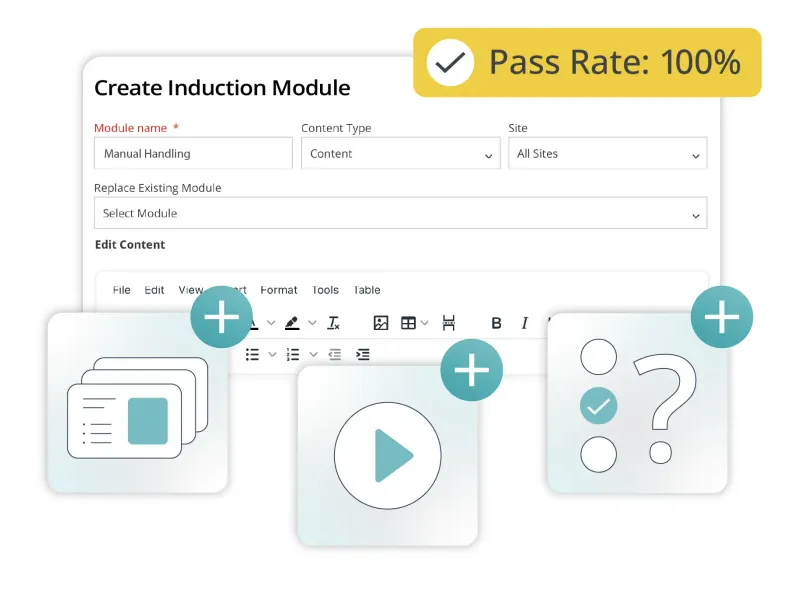
  • Add videos, PDFs, PowerPoint presentations and images
  • Add quizzes to reinforce key information and check understanding
  • Set pass criteria and automated retakes where required
Induct & Train Induction Builder for creating and managing online inductions
Induct & Train - Auto-assign inductions before arrival on site

Auto-assign inductions before arrival on site

Reduce time spent managing inductions across multiple roles and locations. Providing the information needed before site access can be granted.

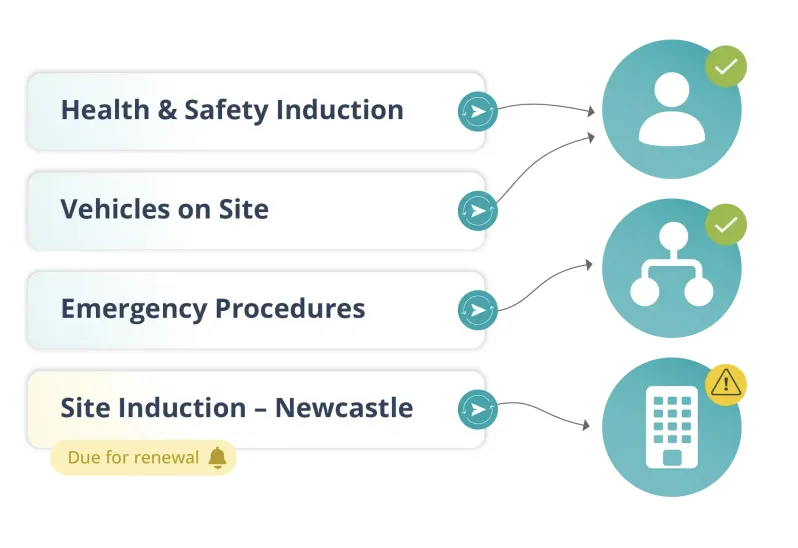
  • Automatically assign inductions based on job role, department
or organisation
  • Combine company-wide and site-specific inductions to avoid 
duplicate learning
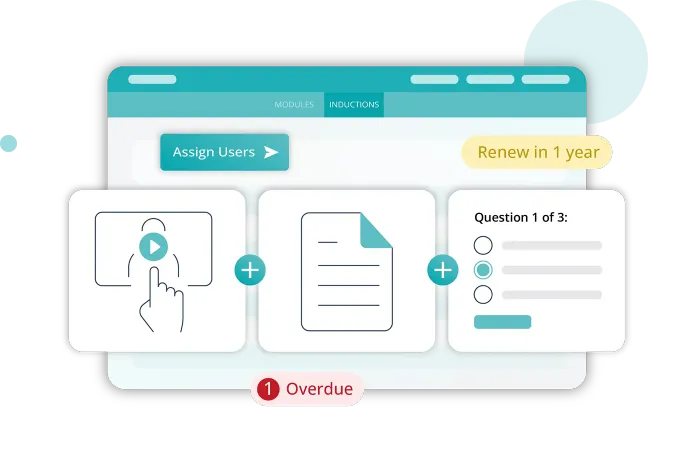
  • Set renewal periods to help keep inductions current
  • Allow admins to validate in-person inductions before they can
be marked as complete
Induct & Train - Track completion and understanding

Track completion and understanding

Digital records show who has completed an induction. Data can help identify where your induction content could be stronger.
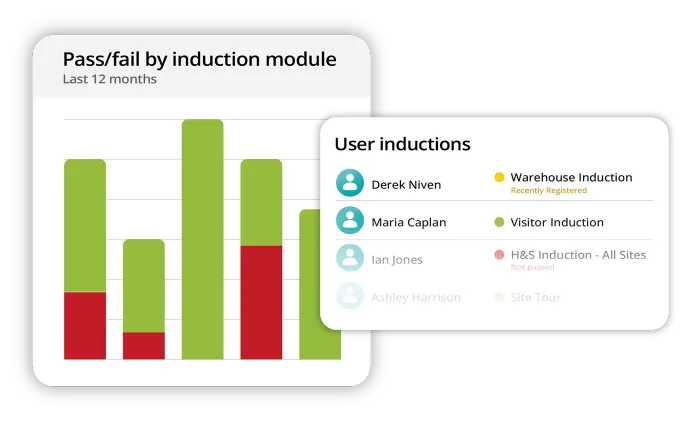
  • Maintain a complete audit trail of induction completion and
competency validation
  • Review quiz results to determine gaps in knowledge and make improvements
  • Keep a clear record of induction completion to support
compliance audits
Induct & Train - Track completion and understanding

Expand your system

Add more tools to Induct & Train to manage workforce safety, compliance and communication from one system.

See Induct & Train in action

Bring structure, consistency and control to your workforce compliance.

Let's get started...

Whether you are simply looking around or doing some serious research, getting in touch is the first step to find out more about our innovative software solutions.

Get in touch Contact us View Brochure View the Keyzo Brochure Request a Demo Get a demo of Induct & Train or Read & Sign

Improve your Staff Inductions & Compliance

Fill out the form below and one of our specialists will get back to you shortly…

    Frequently asked questions

    What information can I include in an induction?

    You can include videos, PDFs, PowerPoint presentations and images. Quizzes can also be added to reinforce important information and check understanding.

    How can I manage different induction requirements across multiple sites?

    Create online inductions for different sites, roles, departments or organisations, then assign them according to each person’s requirements. Company-wide and site-specific inductions can also be combined to reduce duplicate learning.

    How can I check whether employees, contractors or visitors have understood the information?

    Add quizzes to your inductions, set pass criteria and configure automated retakes where required. Quiz results can then help highlight areas where further understanding may be needed.

    How can I reduce the administration involved in managing inductions?

    Inductions can be automatically assigned to the relevant person based on job role or site requirement. This reduces the need to manually send individual inductions. Renewal periods can also be configured to help keep inductions up to date.

    Can I use the same induction content across different sites?

    Yes. Company-wide induction content can be combined with site-specific requirements, helping you maintain consistency while still providing information relevant to each location.

    Can I verify a practical or face-to-face induction?

    Yes. Locked inductions allow an administrator to manually verify a face-to-face or practical induction before completion.

    What records can I keep for compliance?

    Complete inductions are recorded in an audit trail, giving you a clear record of who has completed their induction and supporting compliance reviews.

    Let's get started...

    Whether you are simply looking around or doing some serious research, getting in touch is the first step to find out more about our innovative software solutions.