e-Signatures Module | Read & Sign

e-Signatures

Read & Sign Software - E-Signatures

Key features

Send unlimited documents to employees without per-envelope costs
Automate reminders to anyone who still needs to sign
View signatures and document activity together with a time-stamped audit trail
Read & Sign - Make document sign-off easier

Make document sign-off easier

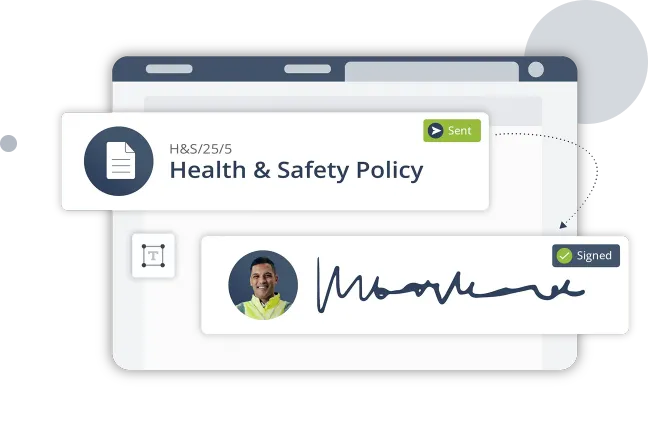
Replace paper forms with a straightforward digital signing process for critical workplace documents.
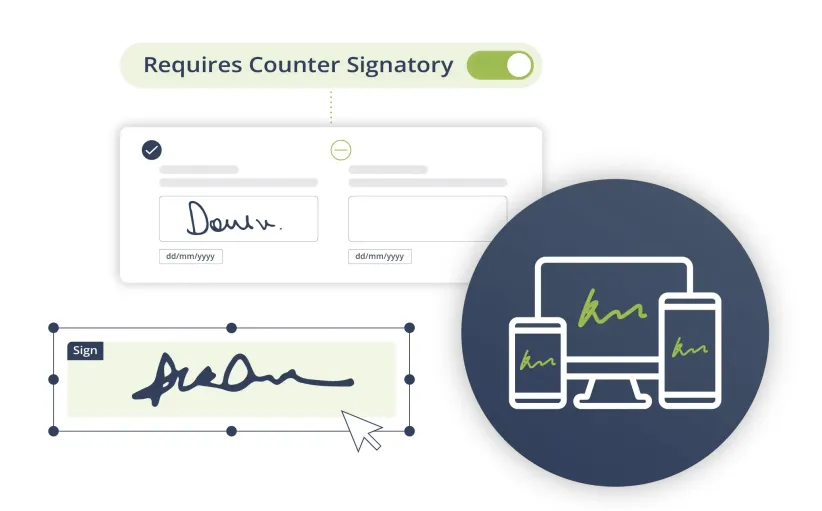
  • Capture secure e-signatures from any device
  • Place signature fields directly onto documents
  • Add counter-signatures where additional approval is needed
  • Keep completed documents and signing activity together
Read & Sign - Make document sign-off easier
Read & Sign - See what's been signed

See what’s been signed

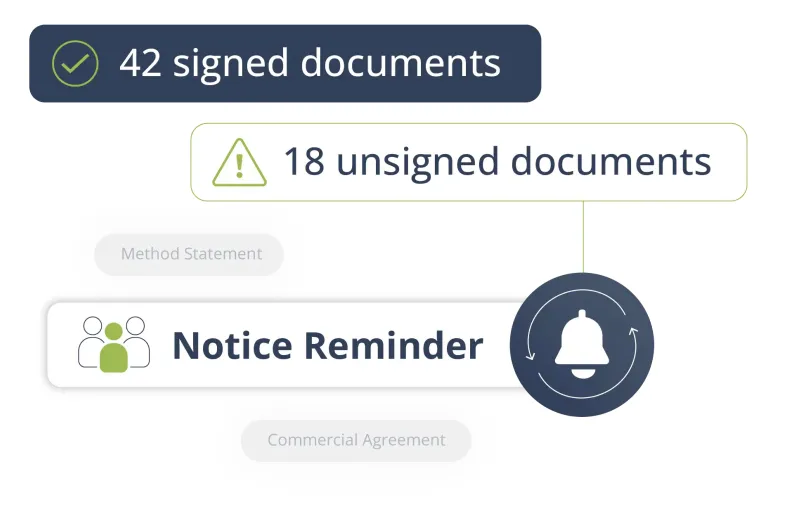
Get a clear view of document status without having to check emails or spreadsheets.

  • View who has and hasn’t signed in real time
  • Instantly track sign-offs across your teams and sites
  • Send automated reminders for outstanding signatures
  • Reduce risk with proof of document acknowledgement

Choose how people sign

Give employees a signing method that suits the document and the situation.
Read & Sign - Draw Signatures

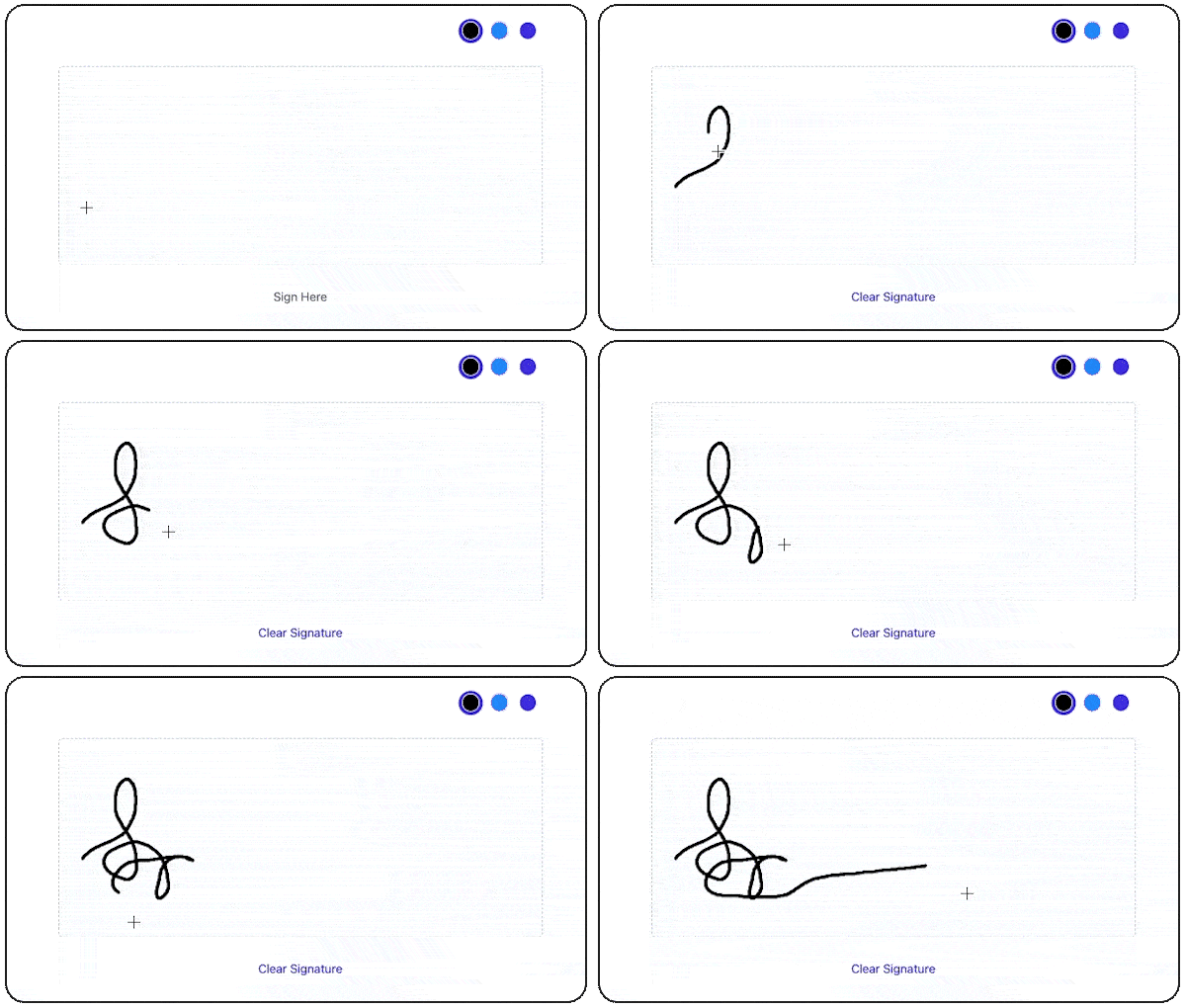
Hand-drawn signatures

Allow users to add a bespoke signature when signing on the move.
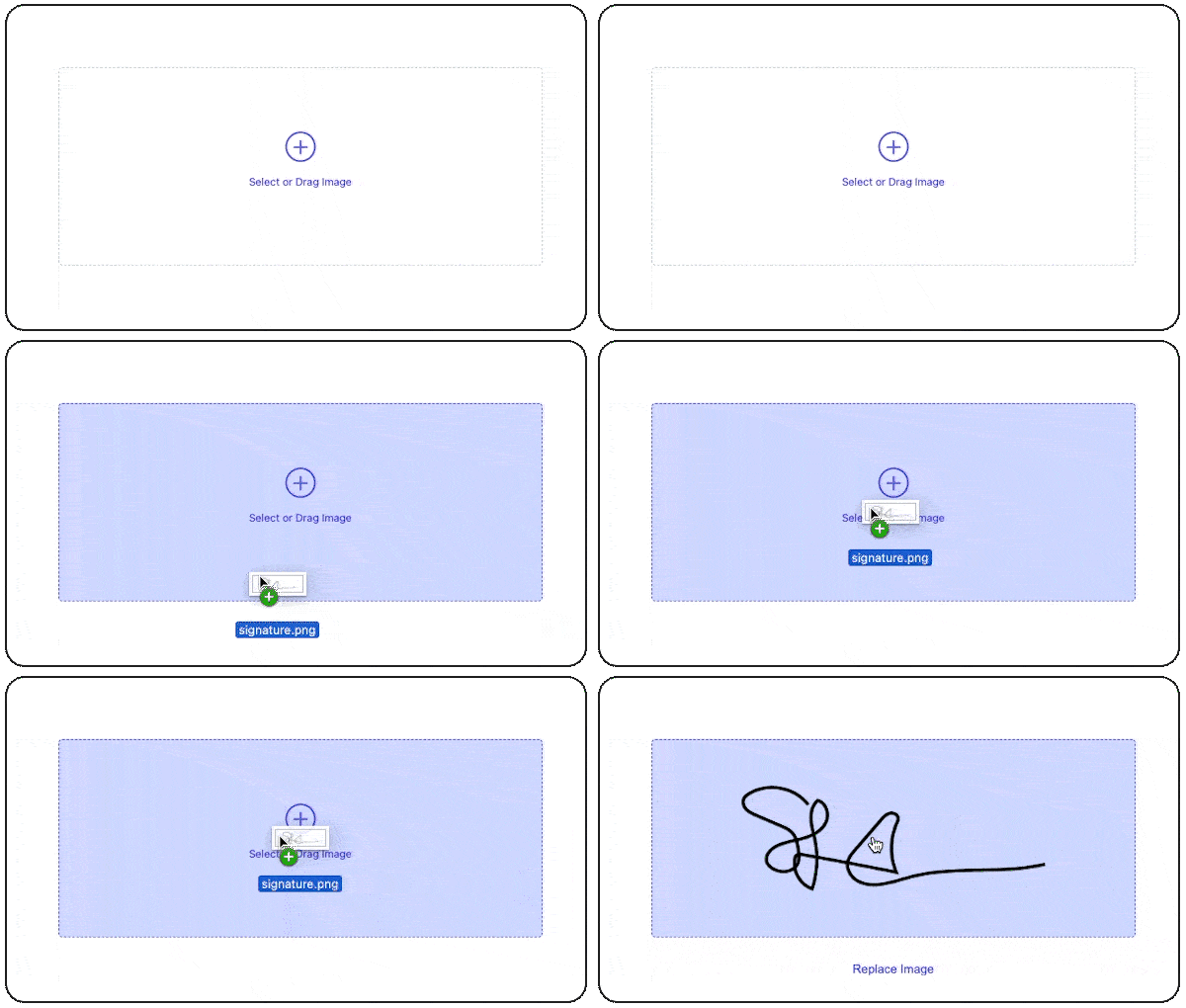
Read & Sign - Upload Signatures

Drag and drop e-signatures

Upload a signature image for quick document sign-off.
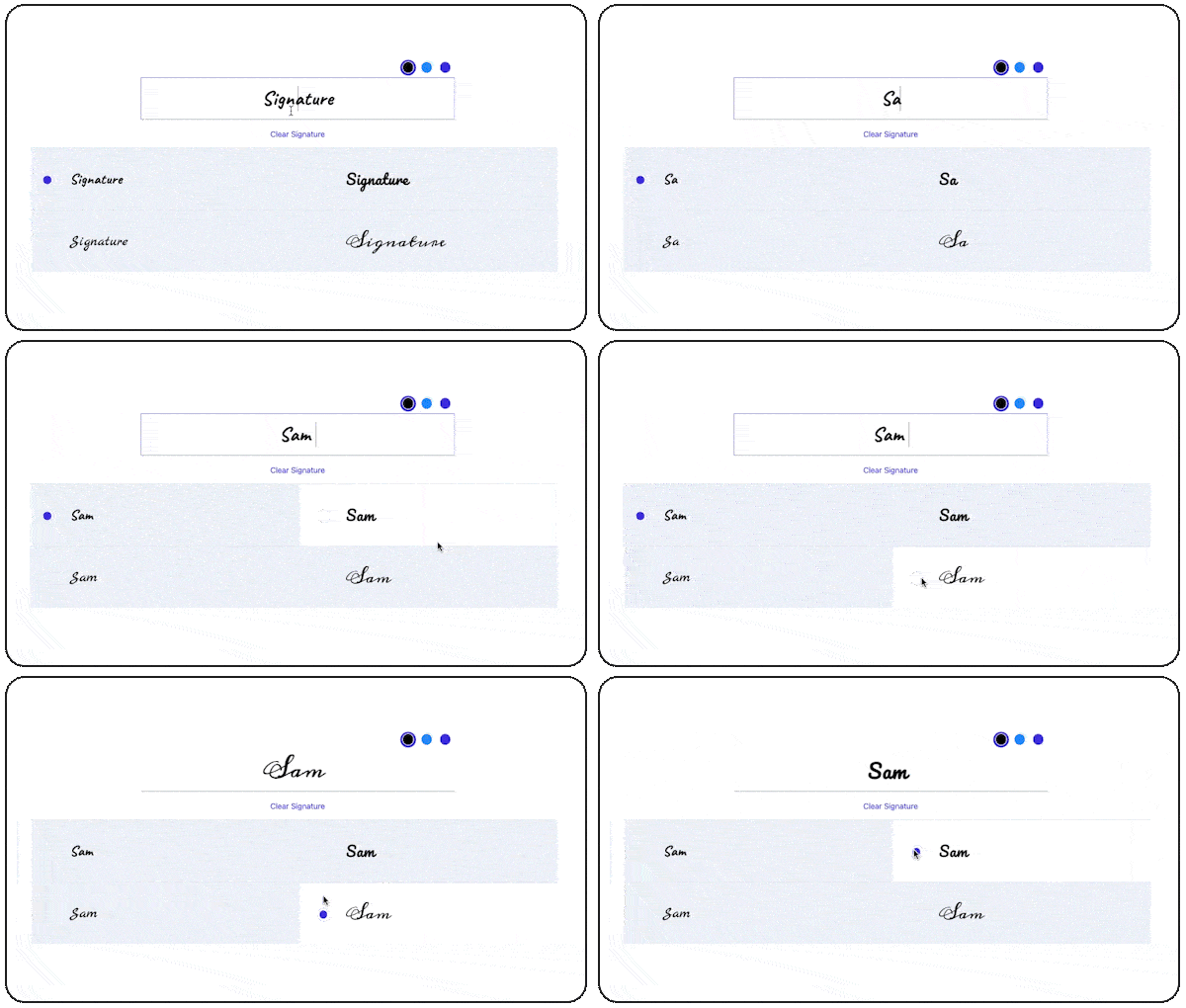
Read & Sign - Type Signatures

Typed online signatures

Add a simple typed signature to complete a document digitally.
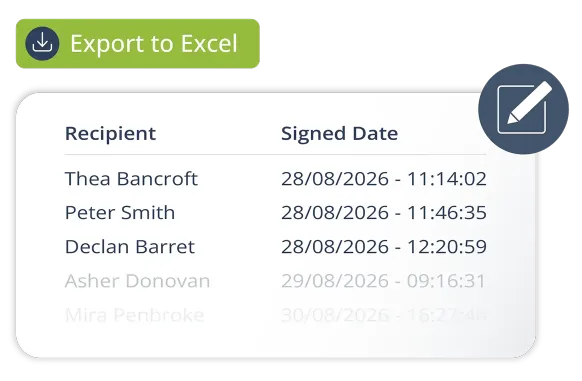
Read & Sign - Keep a clear record of every sign-off

Keep a clear record of every sign-off

When you need to prove whether a document was formally accepted, the right records should be easy to find.

  • Record signatures and actions in a time-stamped audit trail
  • Quickly check when a document was signed
  • Keep sign-off records together in one place
  • Support inspections, audits and compliance reviews

Get more from Read & Sign

Combine sign-off with document distribution and acknowledgement to keep important workplace information on track.

Internal Notices

Send internal notices for acknowledgement without signatures.

Learn more

Questions & Surveys

Request additional signatures for compliance and verification.

Learn more

SMS Alerts

Send instant notifications to recipients via SMS.

Learn more

Your critical compliance partner

Keep safety information, acknowledgements and records in one place with Read & Sign.

Keeping your data safe and secure

Your information and data security is our priority. Our servers are highly secure, with infrastructure spread across two availability zones. We use internal and third-party penetration testing systems to ensure that our systems are kept up to date with the latest security patches.


Read & Sign ISO

Improve your workforce compliance

Fill out the form below and one of our specialists will get back to you shortly…

    Supporting your journey…

    147 Countries

    Our software is used by companies in many countries around the world.

    99.95% Uptime

    With a 99.95% uptime guarantee, we prioritise your support.

    24/7 Support

    On call 24/7 tech support to ensure you’re always up and running.

    Frequently asked questions

    What can I use e-signatures for?

    You can use e-signatures to capture formal acknowledgement or acceptance on documents, policies and forms. This can help replace paper-based sign-off processes and provide a clear record of completion.

    Can employees and contractors sign documents online?

    Yes. Users can securely sign documents online from any device, making it suitable for teams working across multiple sites and locations.

    Can I track who has signed a document?

    Yes. You can see the current sign-off status and identify who has completed a document and who still needs to sign.

    When should a safety document require a counter signature rather than a single sign-off?

    Single sign-offs are ideal for general policy acknowledgements or standard toolbox talks. Whilst counter signatures should be triggered whenever a document involves operational authorisation or high-risk activity.

    How do I chase outstanding signatures?

    Automated reminders can be sent to people who have not completed their sign-off, reducing the need for manual chasing.

    Does Read & Sign keep an audit trail?

    Yes. Read & Sign records signatures and document activity in a time-stamped history, providing a clear record for inspections, audits and internal reviews.

    Let's get started...

    Whether you are simply looking around or doing some serious research, getting in touch is the first step to find out more about our innovative software solutions.